
Register anyone yourself, even at the door
The public form used to be the only way onto an in-person page’s list, so registering someone else meant filling in the form for them: ticking the Livestorm terms on their behalf, passing the captcha, approving your own entry and hitting the limit on a full page. “Add a registrant” now puts them straight on the list, with the page’s own form and checks.
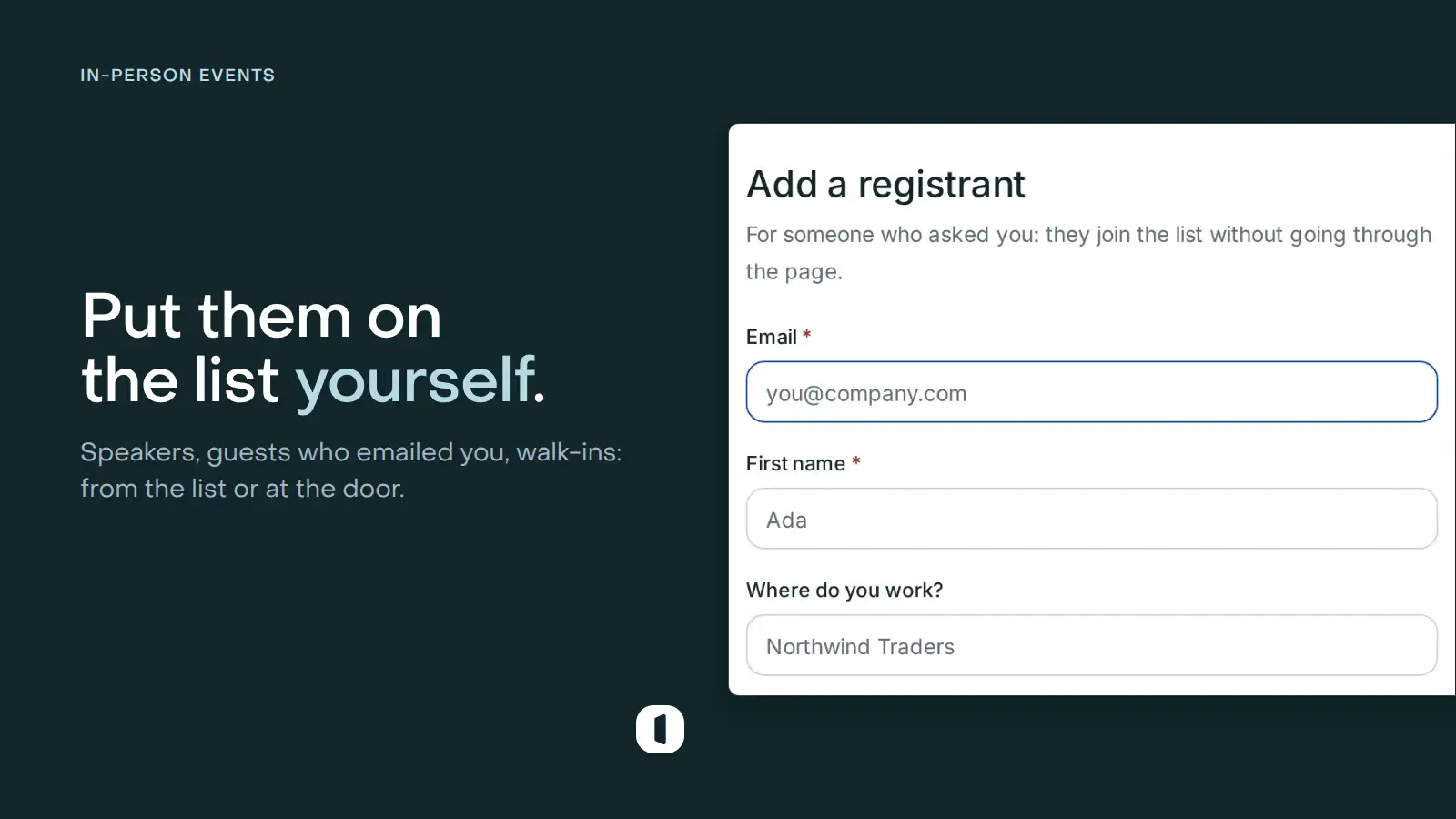
For everyone who skips the page
On a published in-person page, “Add a registrant” sits in the Registrants tab. The window asks for the email, then your page’s own fields in their order and with their rules, the dates they attend when the event has several, and whether to check them in now. The person appears at once, tagged Added manually, with a ticket and a badge like anyone else.
Nobody accepts the Livestorm terms on their behalf, there is no captcha, and your add counts as the approval. On a paid page the add is free. If one of the page’s campaigns sends a confirmation, you choose whether this person gets it; reminders go out either way.
At the door, on the phone you scan with
The scanner’s On site tab runs the same form, set for someone standing in front of you: today’s date ticked and the arrival on. After each add, the form empties for the next person.
An email already on the list adds no one: Venue offers to check that person in instead, or says when they arrived. A full page asks before you go over its limit, and your workspace’s limit and the page’s email domain restrictions always apply. A page on a connected event, Livestorm or Zoom, takes its registrations through that platform, so it has no Add button.